Secondary Lesson Plan
Intro to Photography
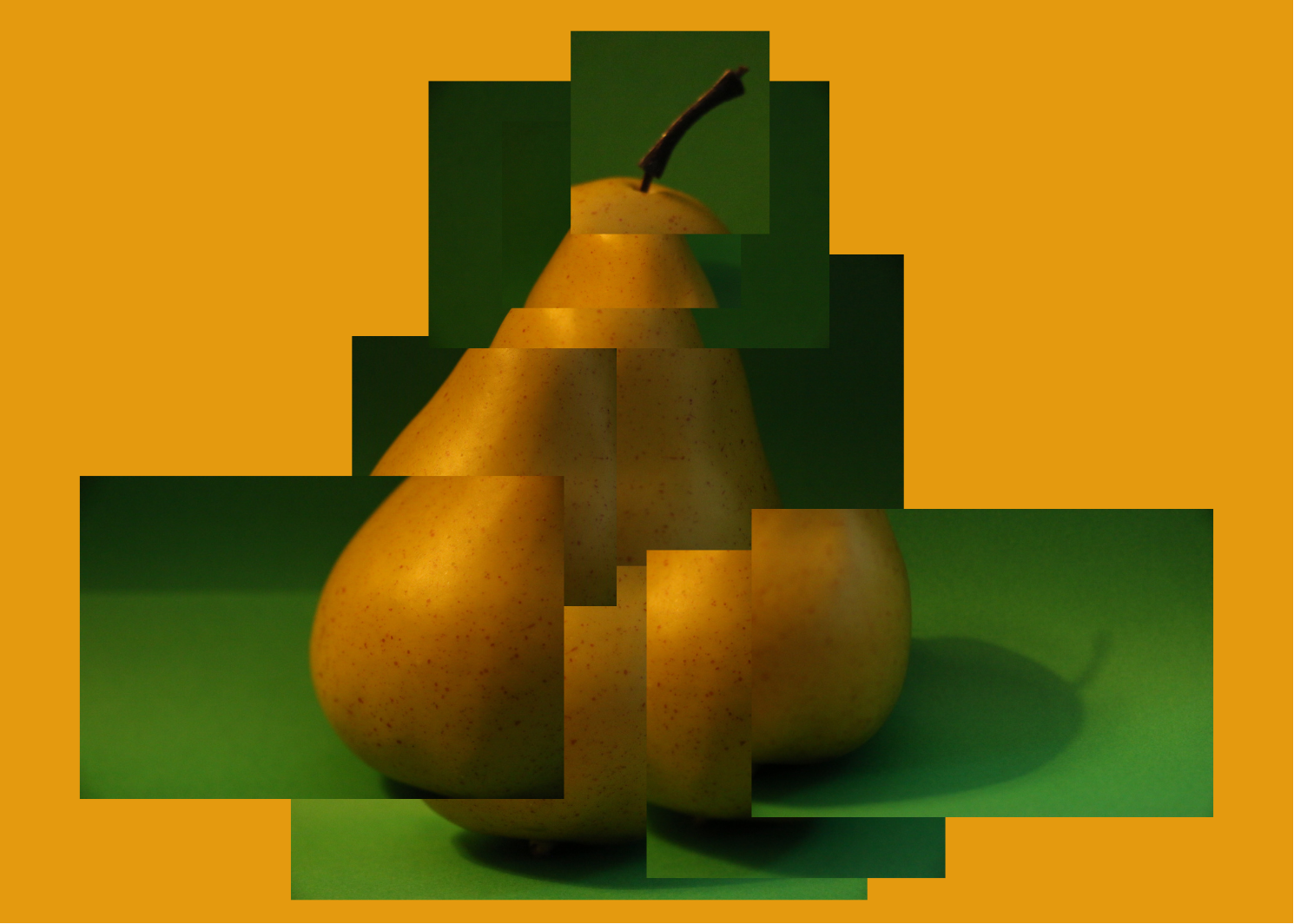
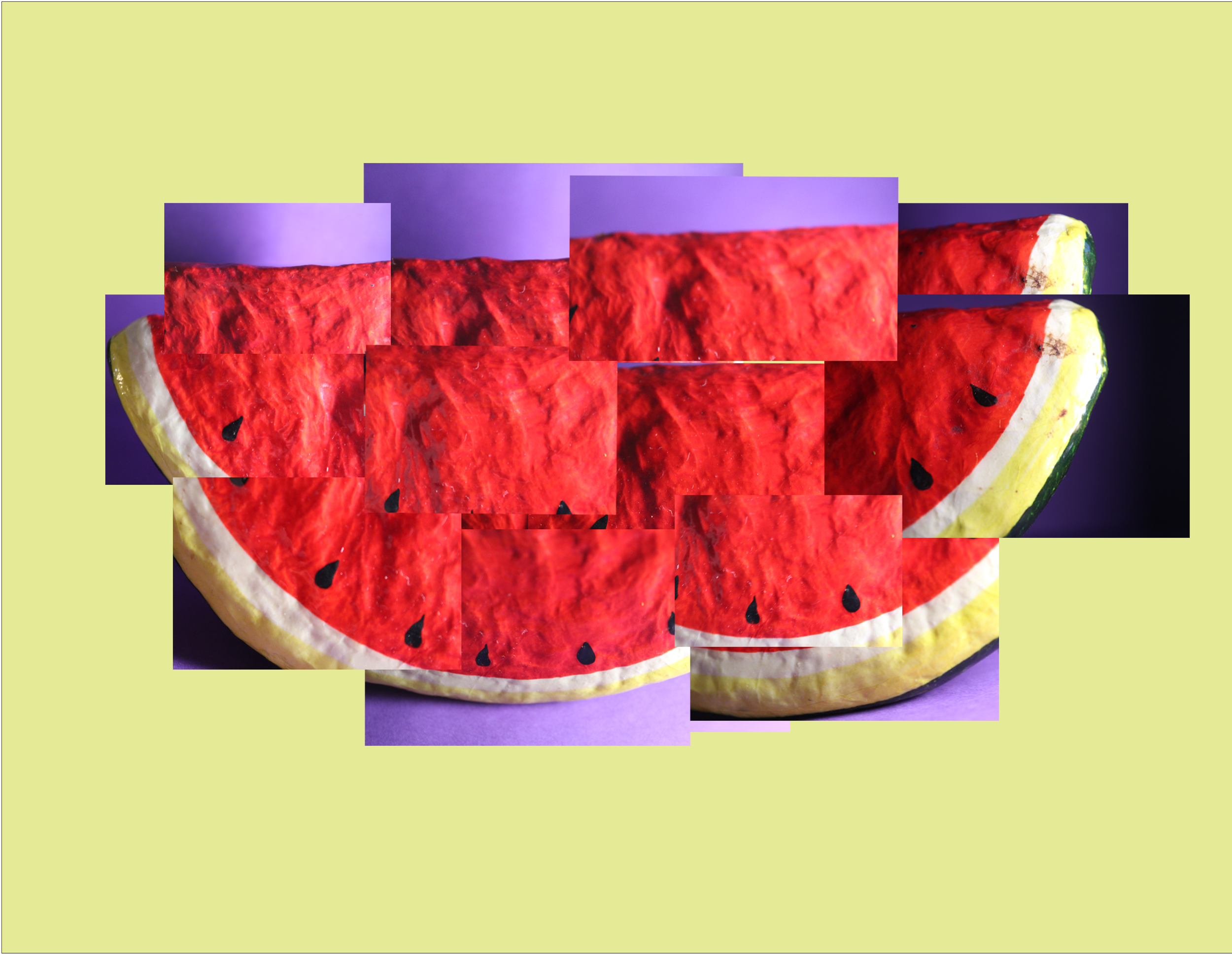
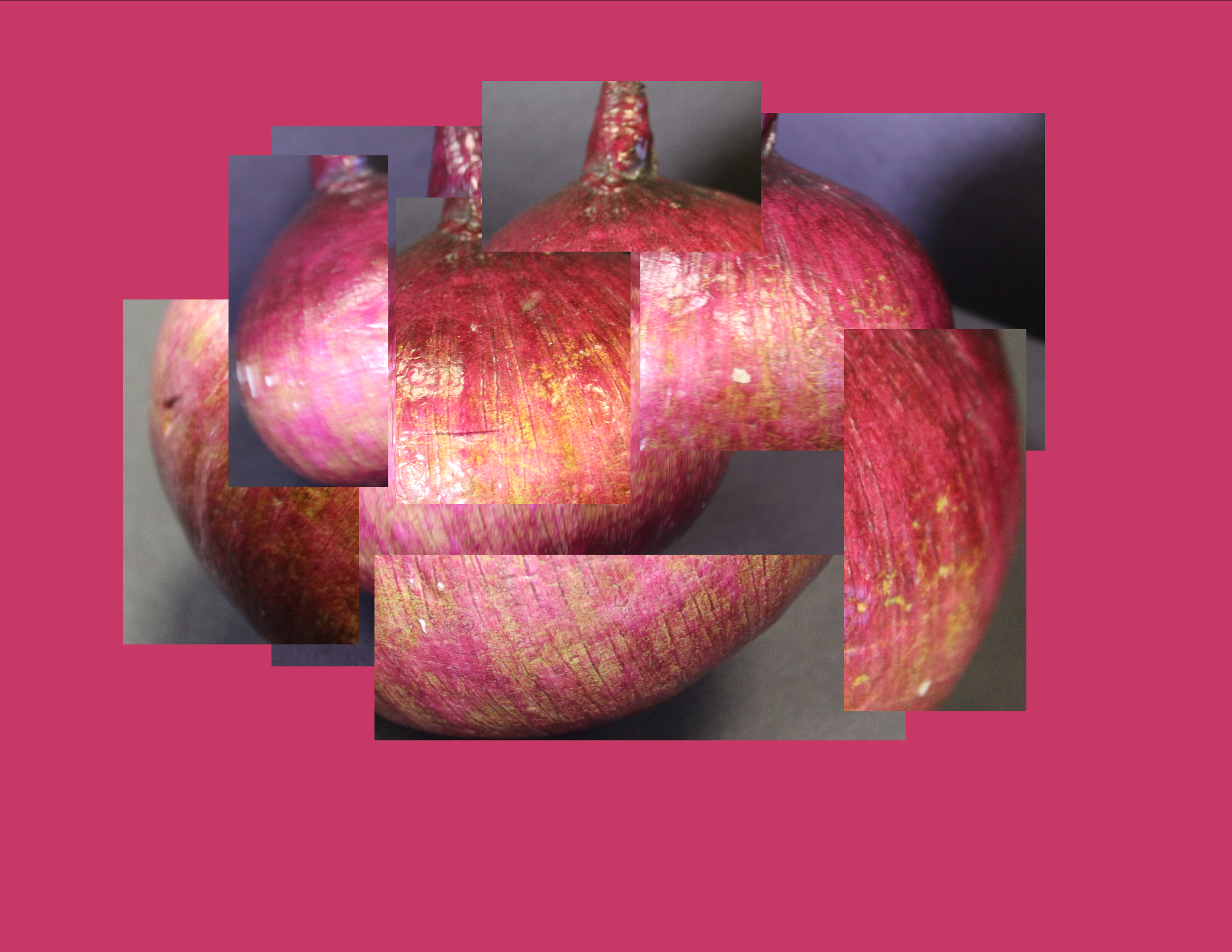
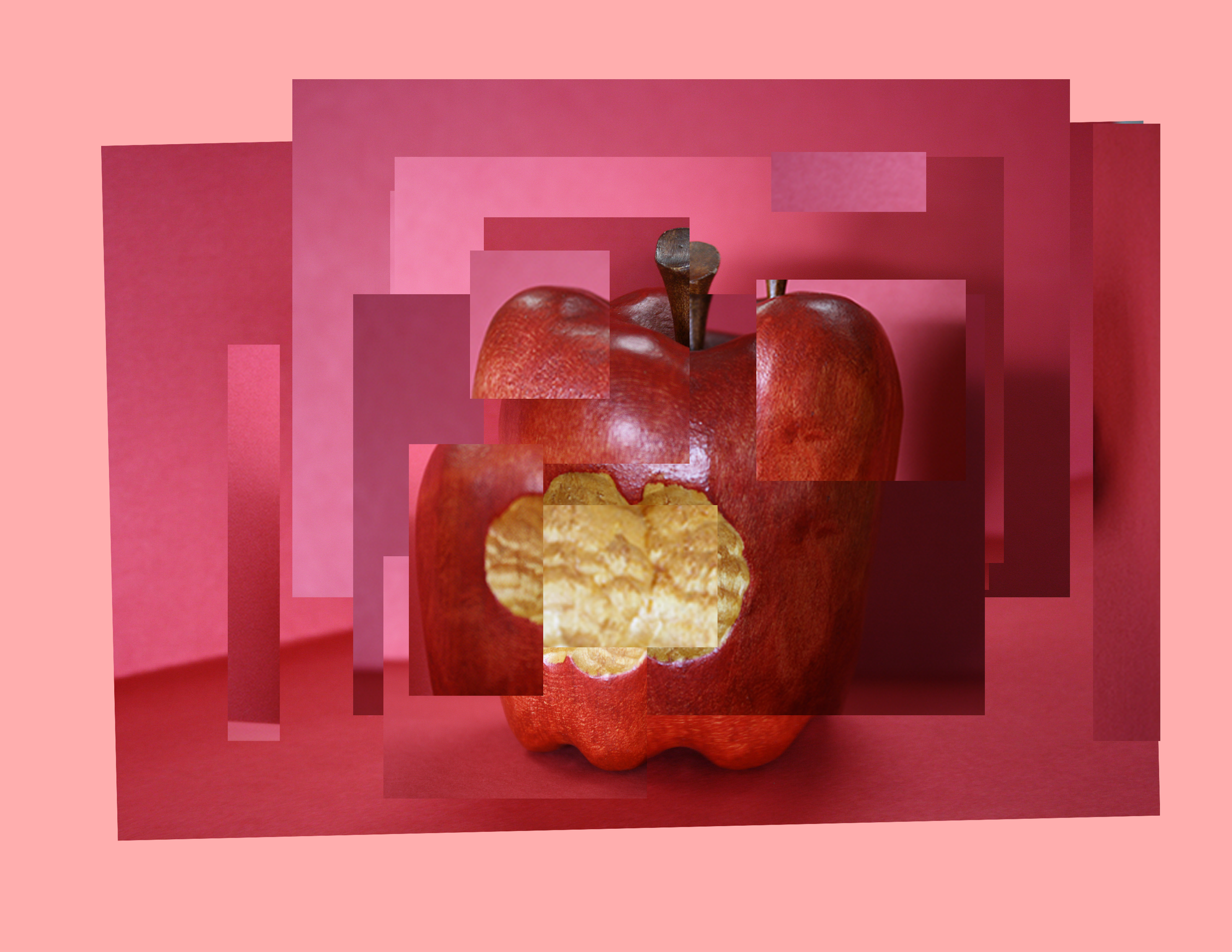
Joiner Food Collages
Teacher Exemplar
UNIT OVERVIEW
These lessons will have a focus on perspective. Students at this age should explore their unique perspective of the world and how this builds identity and community. We will explore this idea by connecting personal viewpoint and different camera angles to understand different perspectives.
LESSON OVERVIEW
In this lesson students will be creating a food joiner collage inspired by David Hockney. Students will be taking photos and then editing this collage together in Adobe Photoshop. We will focus on capturing different angles to create a final artwork that almost feels like a painting. Students will learn how collaging photographs together can give us a unique perspective and the way we present our photos can change the viewer's perspective.
ESSENTIAL QUESTIONS
How is David Hockney’s work capturing a unique perspective?
How can capturing multiple angles of something change our perspective?
What limits are there to a single photograph?
How do collages like Hockney’s influence how we look at the image?
LEARNER OBJECTIVES/OUTCOMES
Examine and determine why collage lends us a unique perspective.
Identify the limits of a single photograph in comparison to a collage.
Dissect how these collages change our perspective and understanding of the artwork.
NATIONAL ART STANDARDS
HS Proficient VA:Re7.2.HSI
Analyze the reciprocal relationship between understanding the world and experiencing imagery.
ARTIST OF RELEVANCE FOR LESSON:
This lesson is inspired by the work of David Hockney.
Students will look at the following work by David Hockney and be asked to participate in a class discussion. The following questions will be scaffolded to ensure student understanding and engagement:
What is the first thing you notice about this artwork?
How does this artwork feel?
How many photographs do you think are in this artwork?
Why do you think there are so many photos in this collage?
Do you think he would be able to capture this in one photo? Why?
How do you think he made this collage?
What photos did he need to make this collage?
What do you think perspective means?
This will lead into a discussion on his joiners, perspective and angles he uses in his work. In addition I will reference essential questions throughout this discussion.
PREREQUISITES FOR LESSON:
Students should have a comfortable understanding of how use the digital camera.
Students should have basic knowledge in lighting.
Students should have basic knowledge of how to use Photoshop.
VOCABULARY AND DEFINITIONS:
Perspective
Size depth and distance the subject is from the viewer. A point of view.
Joiners
A type of collaging multiple pictures together to create a larger image.
This type of collage was created by Hockney.
PHOTOSHOP TOOLS AND TECHNIQUES:
Students will learn the following in Photoshop:
Utilize the layers panel to achieve desire layout of photos.
Marquee Tool (M) - Use this to help crop images.
Transform Tool (Ctrl T) - Resize photographs.
Undo (Ctrl Z) - Streamlines workflow.
Shape Tool (U) - Create a background color that matches the rest of the artwork.
ENDING THE LESSON
Closure of Lesson:
As a class we will discuss their final joiner collages. We will examine how each person made a unique collage with a unique perspective. Students will say one part of the lesson they found difficult. This will help build classroom connections as many of them will have similar answers.
Transition to Next Lesson:
The next lesson we will move into creating joiner collages of our classmates to build community. The food joiner collage is a scaffolded introduction to these collages. Students will focus more on being intentional while taking photographs especially since they have this previous knowledge of the workflow due to this lesson.
Assessment:
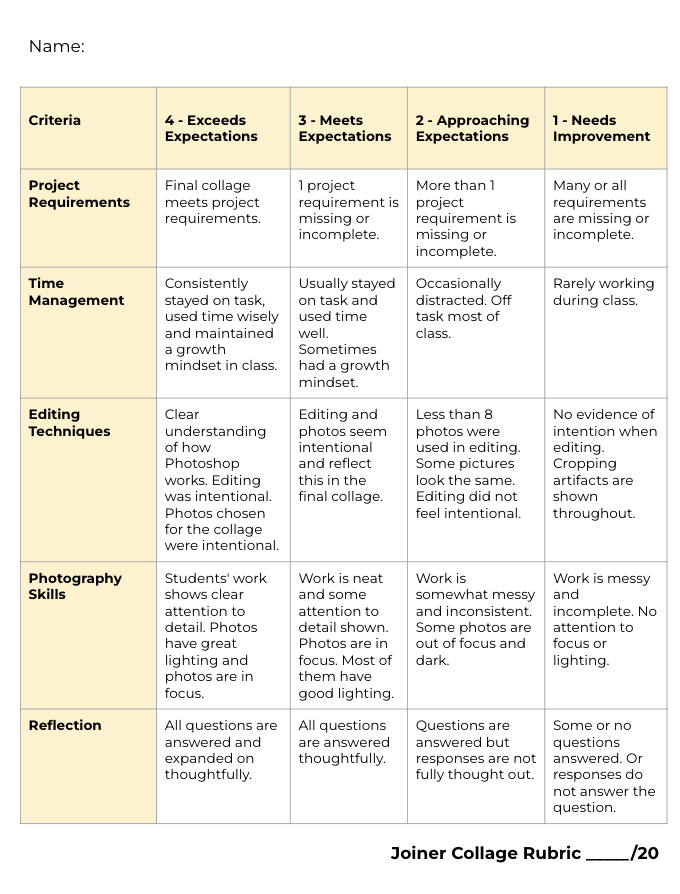
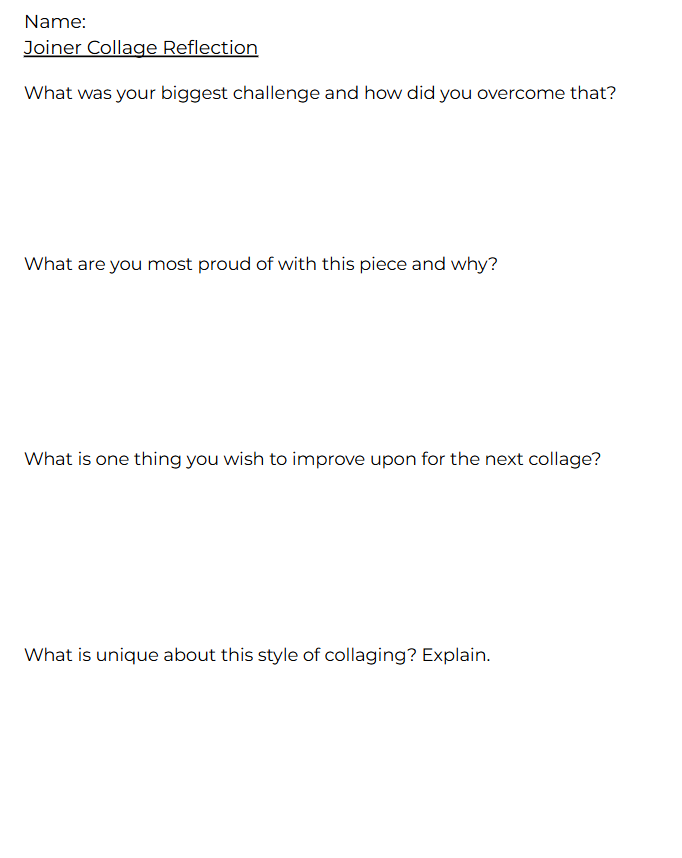
During work time I will monitor students progress. Each day I will have an exit ticket for students to ensure they understood the lesson. Students will be graded on the following rubric that includes a reflection.
Student Examples: